Features & Products
Your photo gallery has Album Ordering Options
When your photos are ready, you'll be delighted we have already created a personalized print store for you and you can now order a wedding photo album of your favorite moments.
Inside this guide you will learn how to
- Create a Wedding Photo Album favorites list of the photos you would like inside
- Share Your Favorites List with Jay Grubb Photography
- Order The Album
- More
Ordering Your Wedding Album
Please Use Your Desktop for the best experience,
Smartphones and tablets may have icons in alternate gallery locations based on the device's browser.
Step 1 - Login To Your Photo Gallery
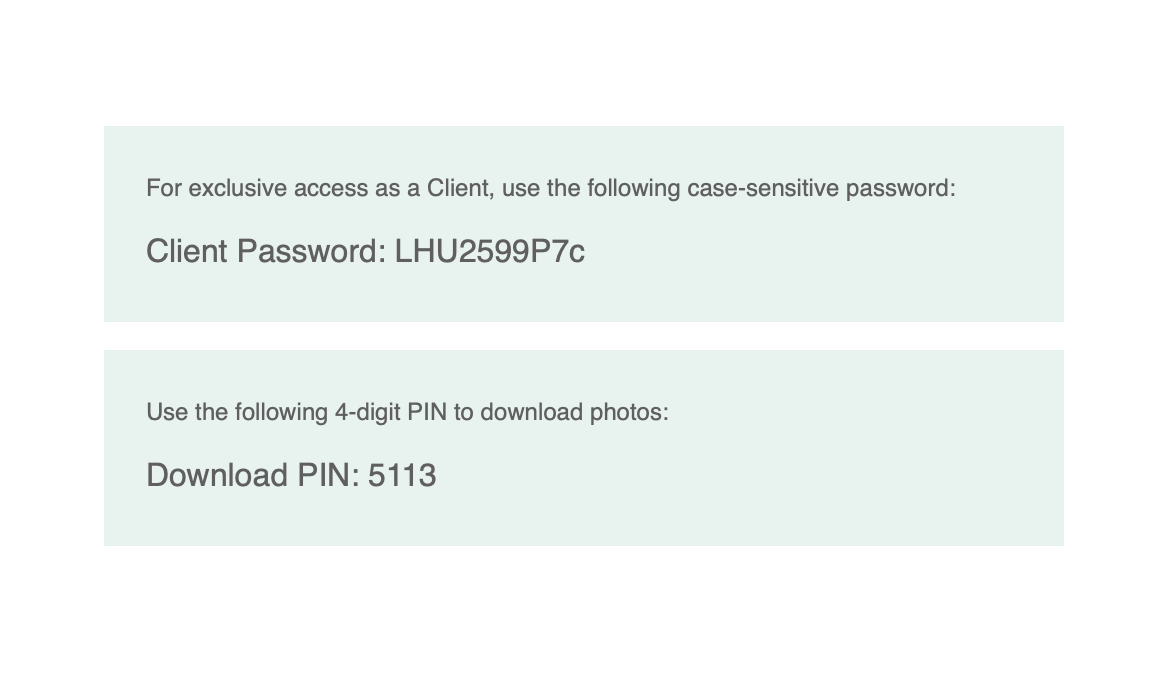
The link & CLIENT password is located at the bottom of your email.
Step 2 - Select Print Store
The Personalized Print Store view in the top menu bar under the large cover photo at the top of your gallery.

Step 4 - Choose Album
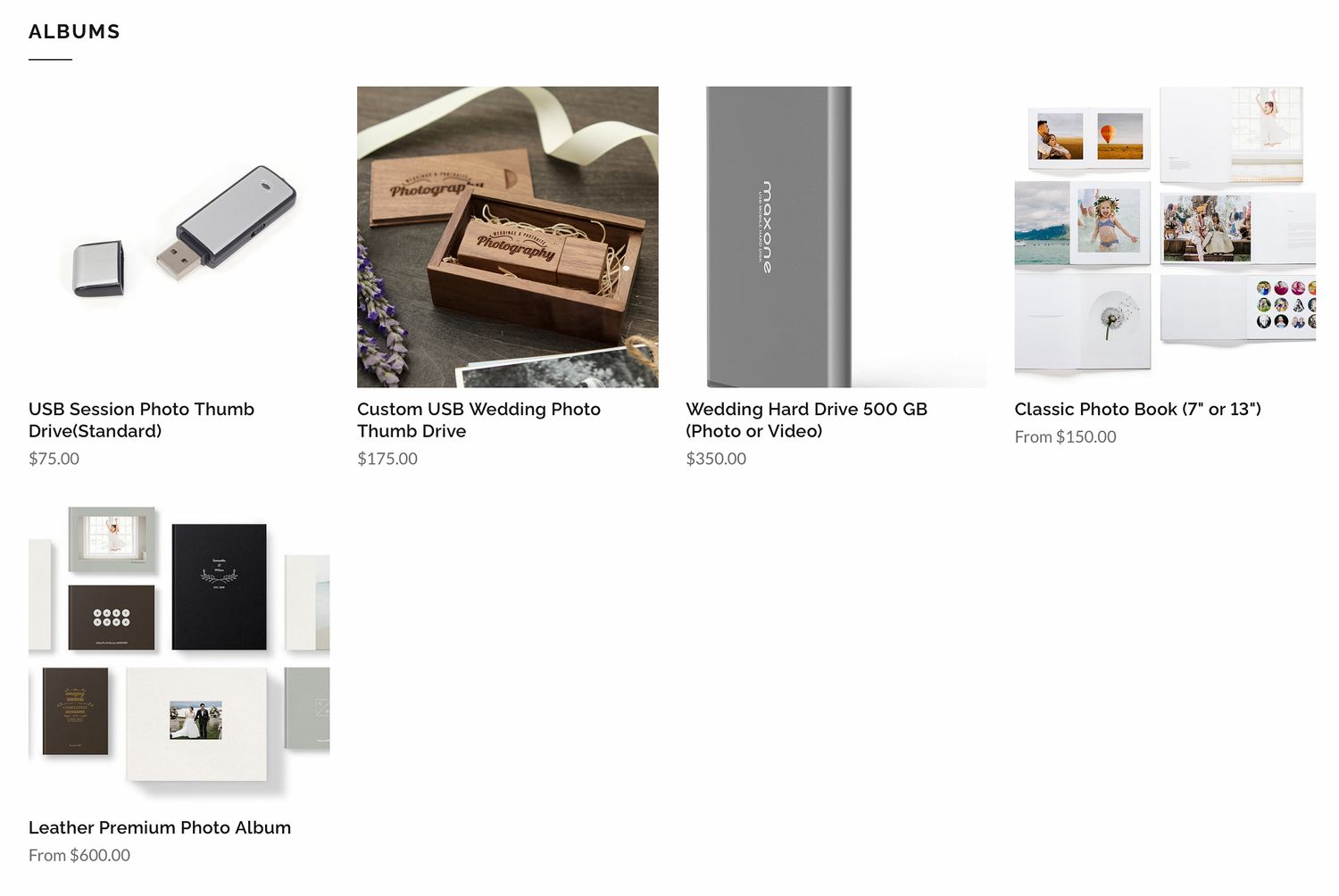
We offer a wide variety of different sizes and finishes to your prints. Choose the dimensions and the color for your album

Step 4 - Choose between Classic or Leather
We offer couple different sizes and finishes to wedding album. Please select your favorite style.
Step 5 - Order Summary
Click add to cart add to cart and sign/ register using your E-mail. This will take you to an order summary page. Click "Proceed To Checkout" or continue shopping for more Print Store options. Once you've proceeded to checkout Input your payment information.
We are automatically notified when you place the order.
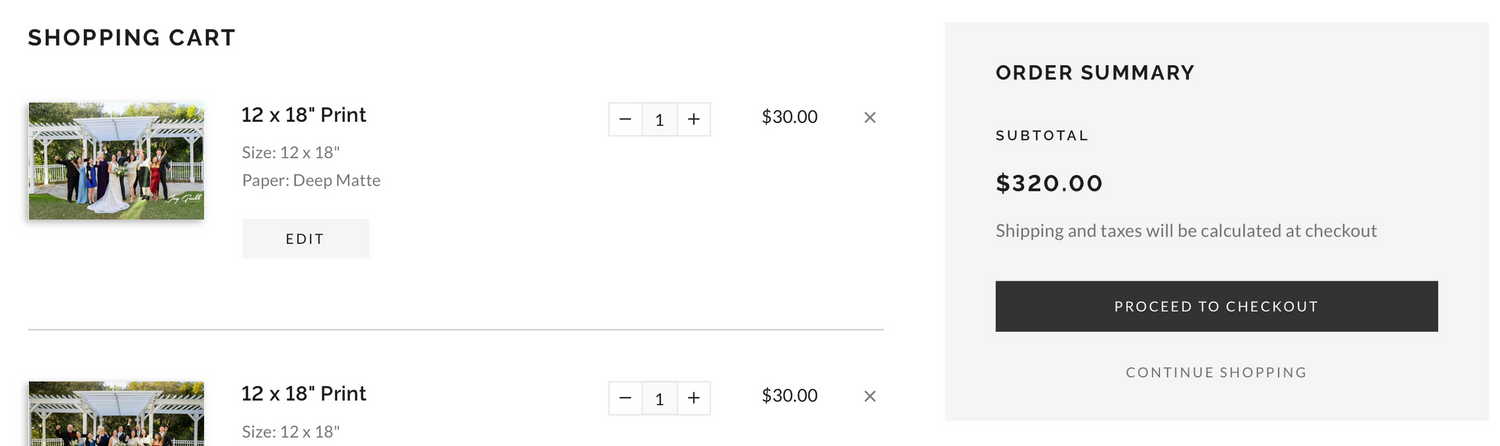
Step 6 - Create a Wedding Album Favorites List
Inside your wedding photo gallery is a unique option to create multiple Favorite Lists. Today, you will need to create a list called Wedding Album. Please see the guide How to create a favorites list" at the bottom of this page or in the Client Portal.
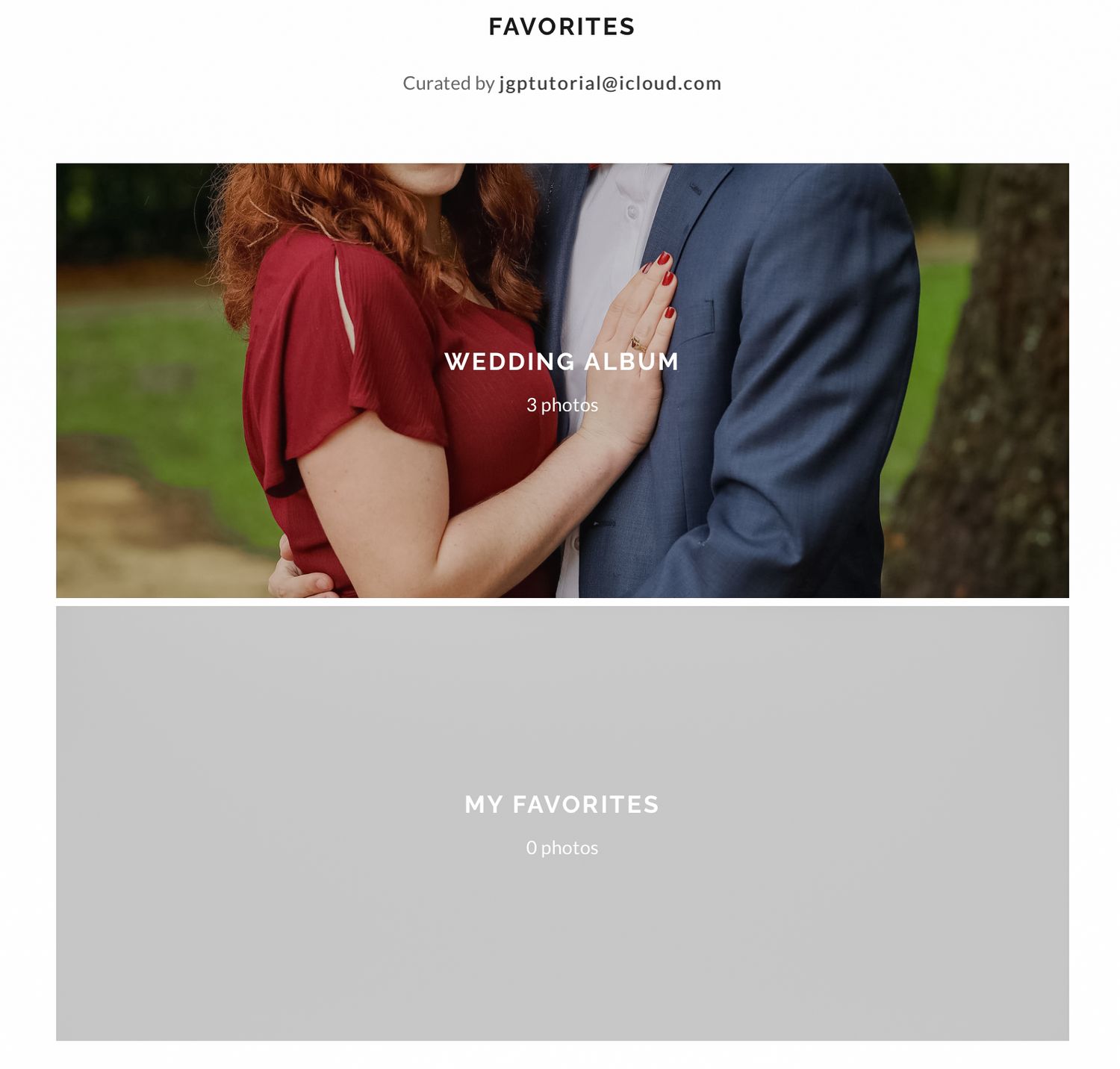
Step 7 - Share The "Wedding Album" List With Us
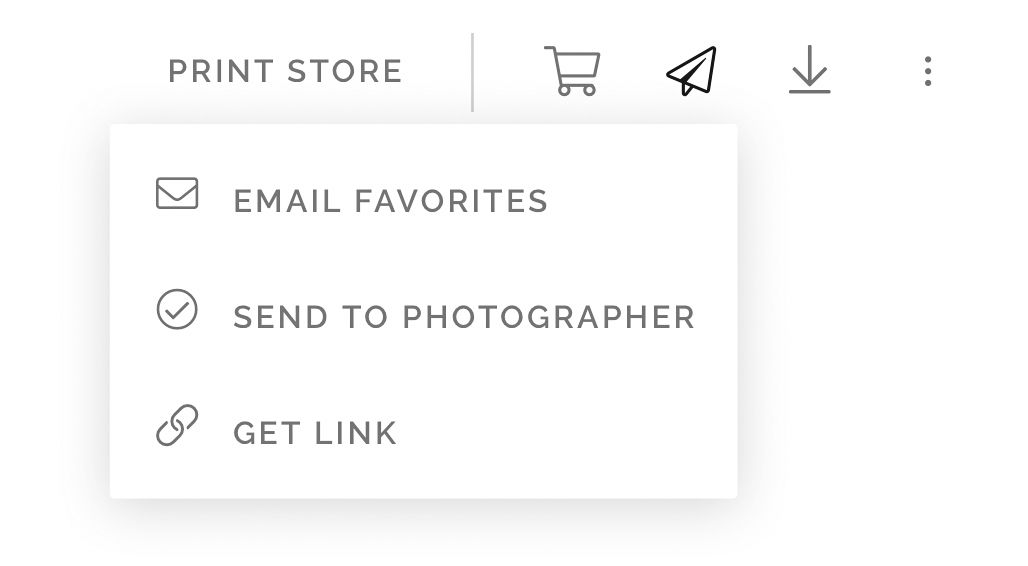
Once you have created your Wedding Album list, please share the list with us by clicking the share list icon in Menu Bar Now select "Send to Photographer".
We will reach out if we have questions about your selections.